
Who Do Nation-States Target?
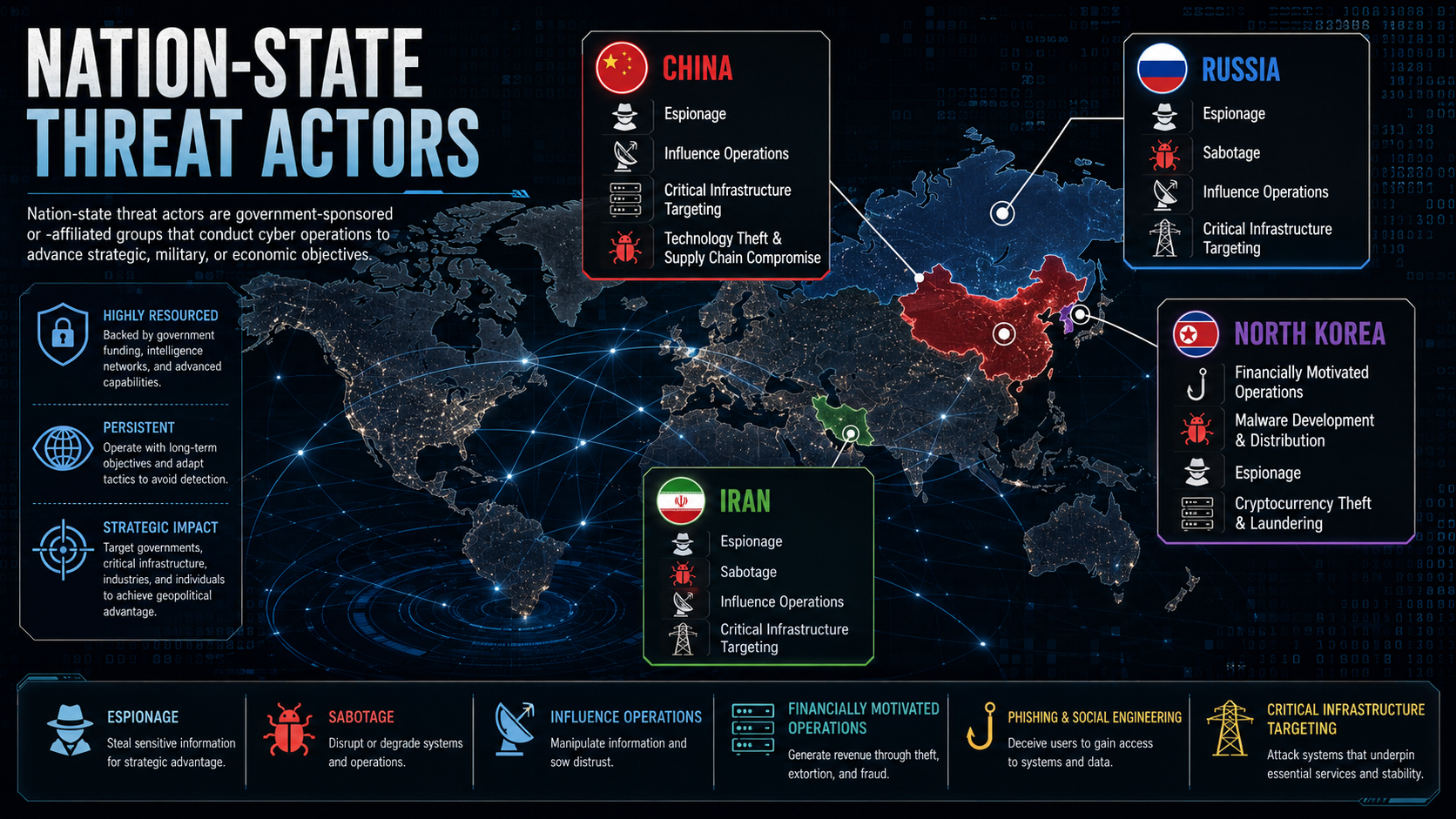
Executive assistants, CISOs, VPs, software engineers, SOC analysts, security engineers, and plenty of others all have one thing in common: access to information that Advanced Persistent Threats (APTs) want.
APTs, often backed by nation-states, usually operate well beyond the technical reach of the average person or small organization. Their objectives vary, from espionage to financial gain, but the path is often the same: digital intrusion.
So what can an ordinary person do against a highly capable adversary? More than you might think. The goal is not perfection. The goal is to stop being the easy target.
Practical Defensive Strategy
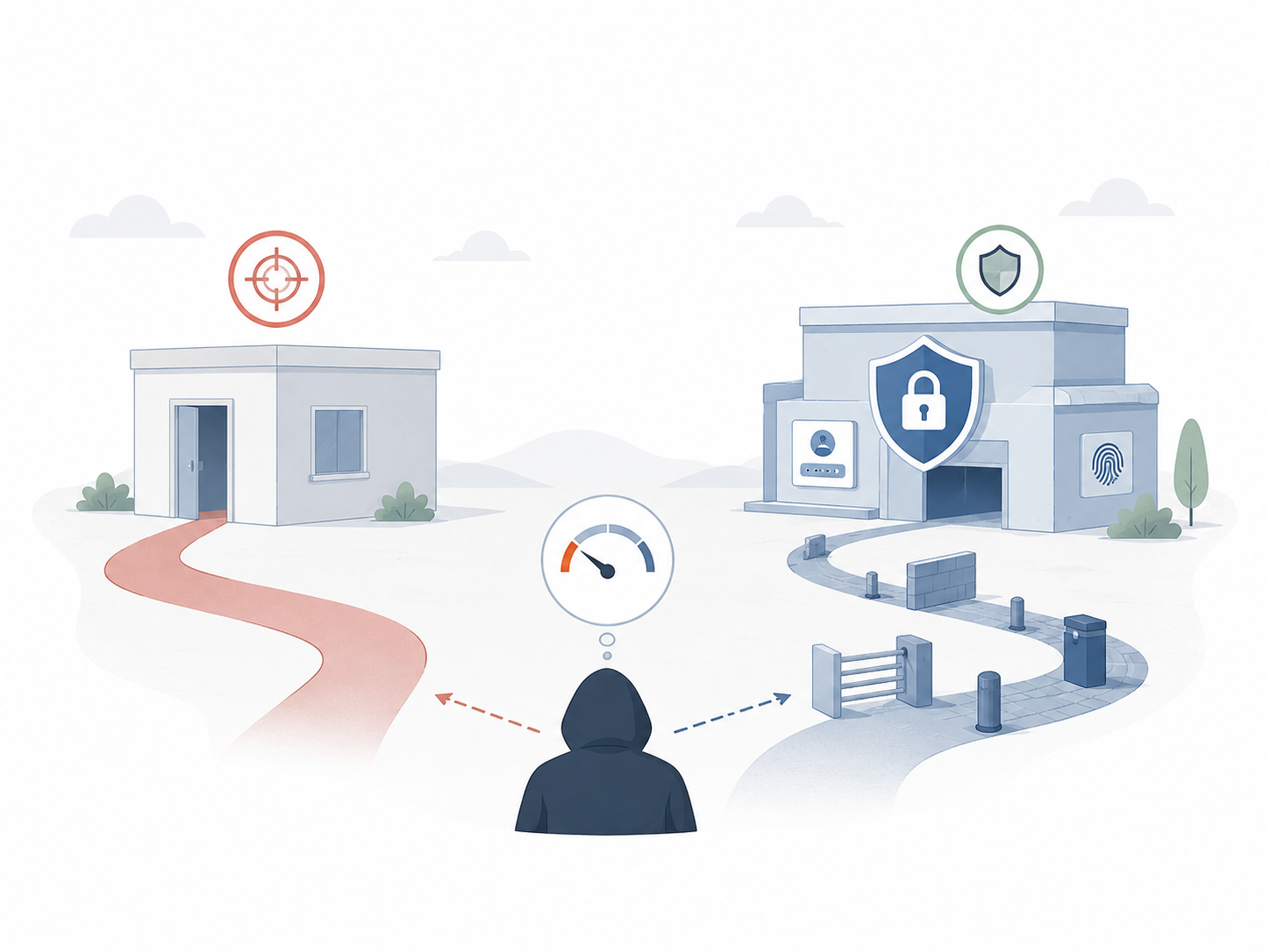
APTs may have deep pockets, but their resources are not infinite. Time, talent, infrastructure, access, and money all have to be spent deliberately. At the end of the day, it is still an economic problem.
That leads to a few practical truths:
- There is no perfect defense against an APT. If an adversary is determined enough and willing to burn enough resources, they may eventually get in.
- The real objective is to make that outcome slower, more expensive, and less attractive.
- The best defensive strategy is often to become the harder target. If you raise the cost of compromise high enough, an attacker may move on to someone easier who still satisfies the mission.
Defense is not always about being impenetrable. Often, it is about adding enough friction to take away the easy button.
Exploitation via the Easy Button
The smartphone almost every adult carries 24/7 holds your finances, messages, contacts, schedule, credentials, and access to your microphone and camera. If an adversary compromises it, they can learn an extraordinary amount about your life, including your routines, relationships, work, and vulnerabilities.
That makes smartphones a prime target.
In 2018, Jeff Bezos’s phone was reportedly compromised in an operation believed to be aimed at gaining leverage over him and influencing The Washington Post.1 More recently, in 2025, journalists, political figures, and civil society members were targeted through their phones for surveillance and possible source exposure.23
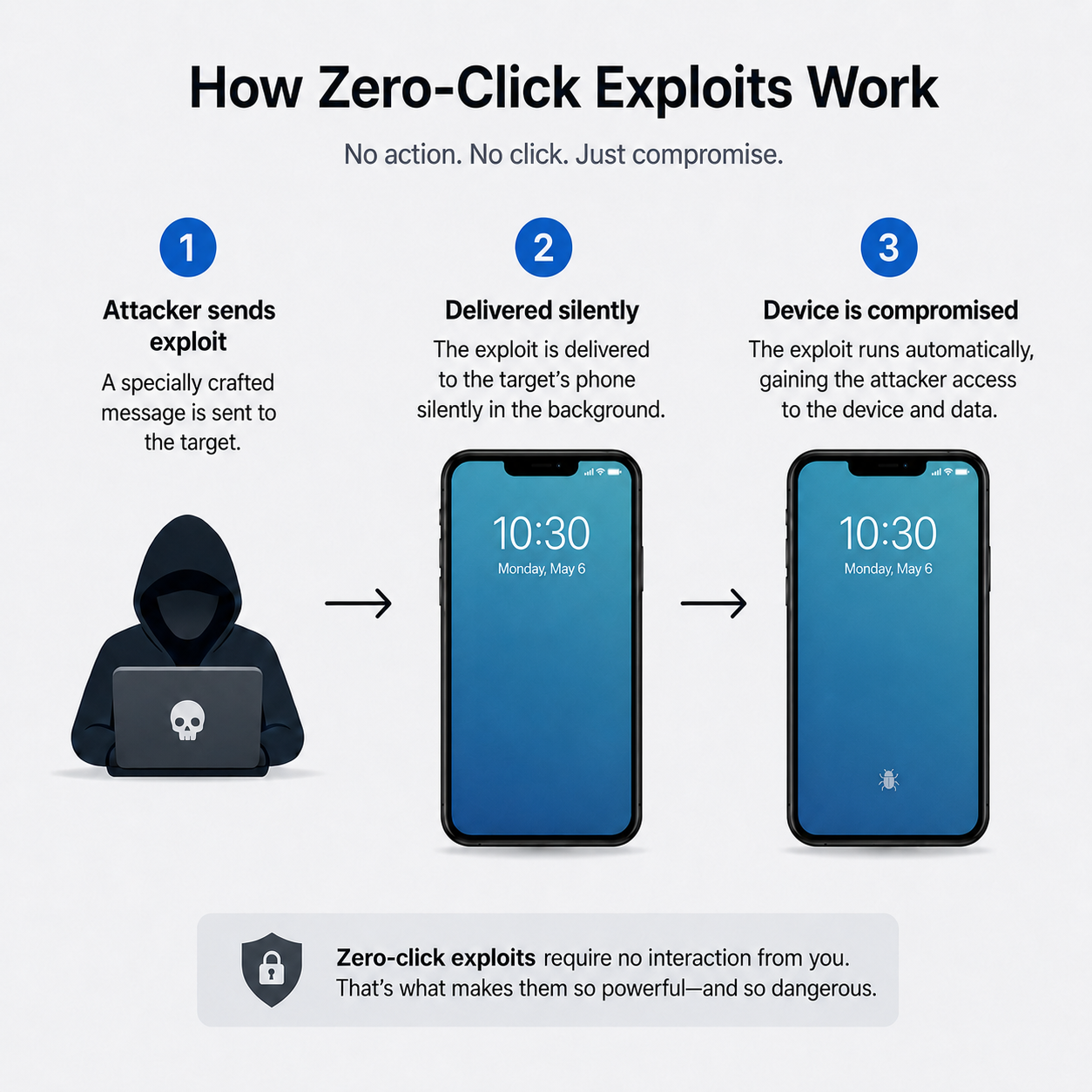
What makes these attacks especially concerning is how little they may require from the victim. You do not need to click a link, open a file, or visit a malicious site. You simply need to be reachable on a vulnerable app or service. These are known as zero-click exploits, and they give sophisticated adversaries an unusually efficient path into a device.
Recent public examples have involved WhatsApp, iMessage, and RCS.245 The public almost certainly knows only a fraction of what exists. The practical takeaway is simple: if you have not hardened your phone, assume a capable adversary may have a relatively low-friction way to exploit it.
Hardening Against Zero-Click Attacks
There are countless ways to improve privacy and security, but long checklists usually create paralysis. Keep it simple: for nation-state level adversaries, one of the most practical paths into your phone is often the zero-click attack.
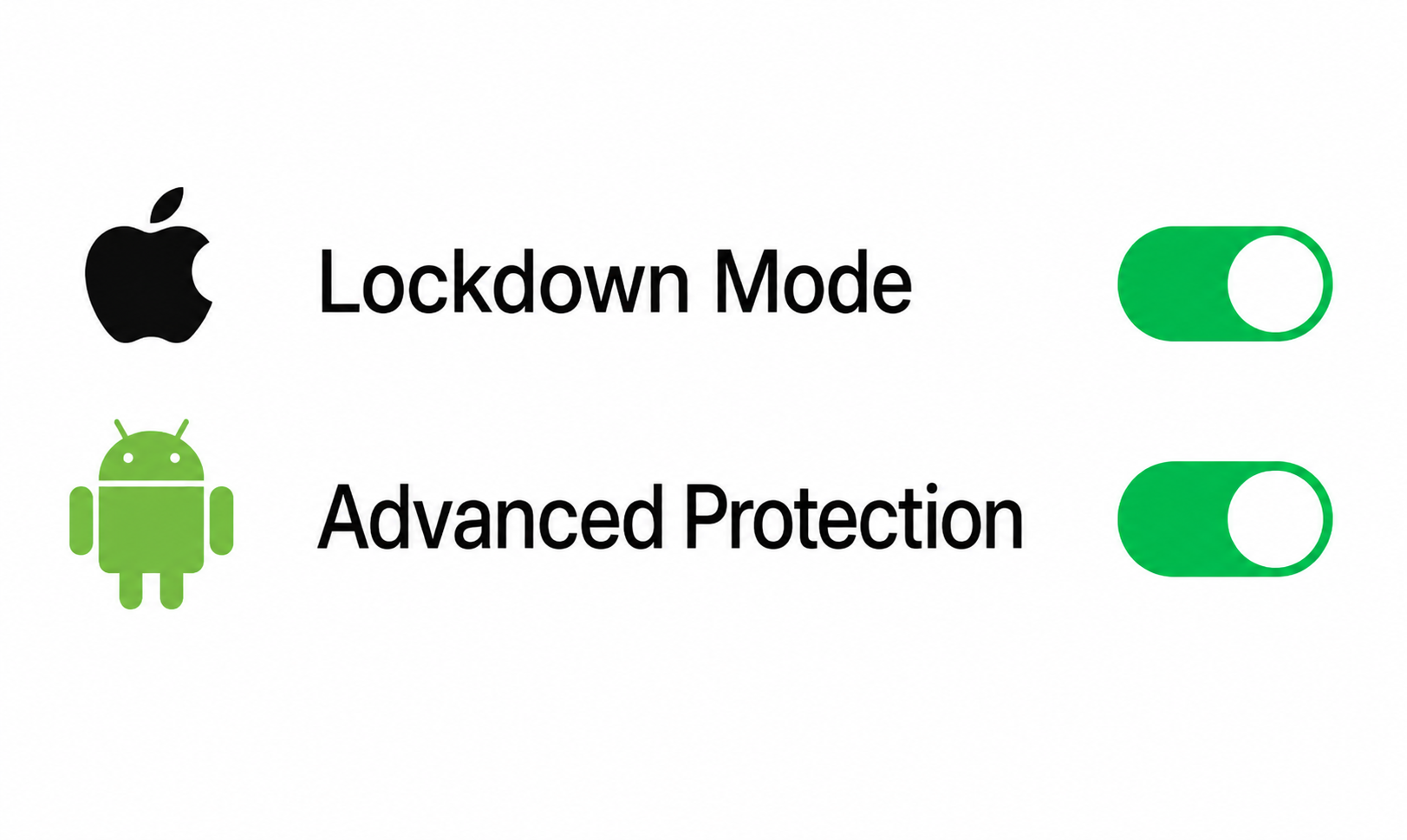
- If you use an iPhone, enable Lockdown Mode. If you want to go further, disable iMessage and RCS, then use Signal as your primary messenger.
- If you use Android, enable Advanced Protection. If you want to go further, disable RCS, then use Signal as your primary messenger.
Though you might not see it, these steps immediately add friction, cost, and complexity for an adversary. In other words, they help take away the easy button.
Extra Credit
- Remove apps you do not need, especially ones that let unknown users send attachments, such as WhatsApp or Telegram. Every extra app is another possible attack surface.
- Avoid loading remote content from emails you do not trust, not just clicking links.
- If your phone starts overheating for no clear reason or data usage suddenly spikes, restart it - you might have been pwned.
- If you are traveling internationally, consider leaving your primary phone at home. Otherwise, consider it pwned.
- Reboot your phone regularly. Many forms of mobile malware are less reliable after a restart.
- Install updates as quickly as possible. Some of them close critical security holes.
Like everything in security, this is a tradeoff between convenience and risk. The right balance depends on your threat model, but the core idea is simple: reduce easy access first.
Did you know?
Lockdown Mode and Advanced Protection do more than harden messaging. They also reduce exposure to weaker cellular protocols and browser-side exploitation paths, which is exactly why they create immediate defensive value for high-risk users. See Apple's Lockdown Mode overview, the EFF's 2G warning, and Google Cloud's DARKSWORD writeup.
-
The Guardian, “Jeff Bezos phone hack: Saudi crown prince accused of sending malicious video file,” January 21, 2020. https://www.theguardian.com/technology/2020/jan/21/amazon-boss-jeff-bezoss-phone-hacked-by-saudi-crown-prince ↩︎
-
Reuters, “WhatsApp says Israeli spyware company Paragon targeted scores of users,” January 31, 2025. https://www.reuters.com/technology/cybersecurity/metas-whatsapp-says-israeli-spyware-company-paragon-targeted-scores-users-2025-01-31/ ↩︎ ↩︎
-
Citizen Lab, “First forensic confirmation of Paragon’s iOS mercenary spyware finds journalists targeted,” accessed June 26, 2026. https://citizenlab.ca/research/first-forensic-confirmation-of-paragons-ios-mercenary-spyware-finds-journalists-targeted/ ↩︎
-
Citizen Lab, “FORCEDENTRY: NSO Group iMessage zero-click exploit captured in the wild,” accessed June 26, 2026. https://citizenlab.ca/research/forcedentry-nso-group-imessage-zero-click-exploit-captured-in-the-wild/ ↩︎
-
Google Project Zero, “The Pixel 0-click story, part 1,” January 2026. https://projectzero.google/2026/01/pixel-0-click-part-1.html ↩︎